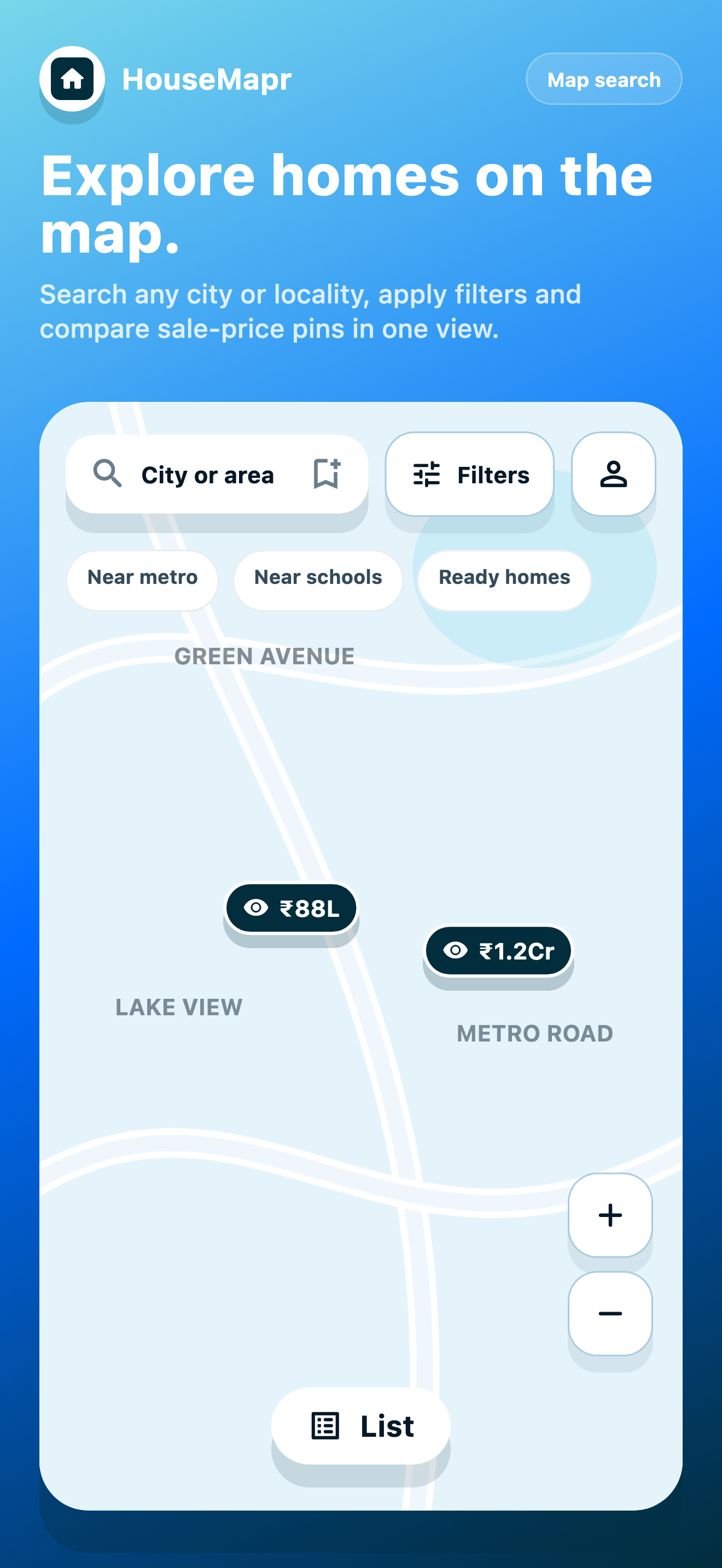
Map search
Start with the area first, then open homes that match your shortlist.
Map-first home buying
Browse homes for sale on the map, check nearby localities, compare asking prices, save serious options, and contact owners directly.
Inside HouseMapr
Search by area, compare asking prices, review home facts, save serious options, and manage your listing with map context always close.
Start with the area first, then open homes that match your shortlist.
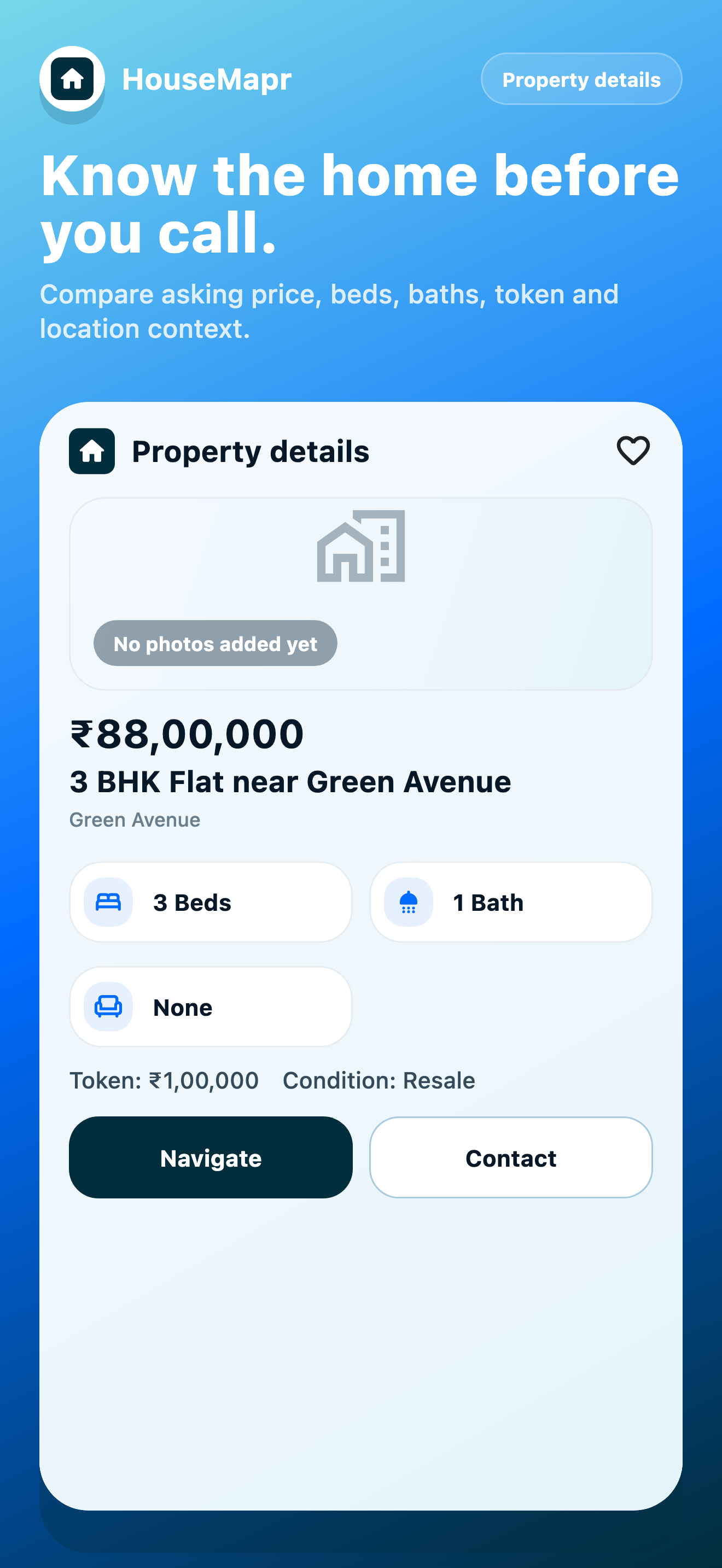
Review the price, home facts, photos, location, and owner contact options before deciding.
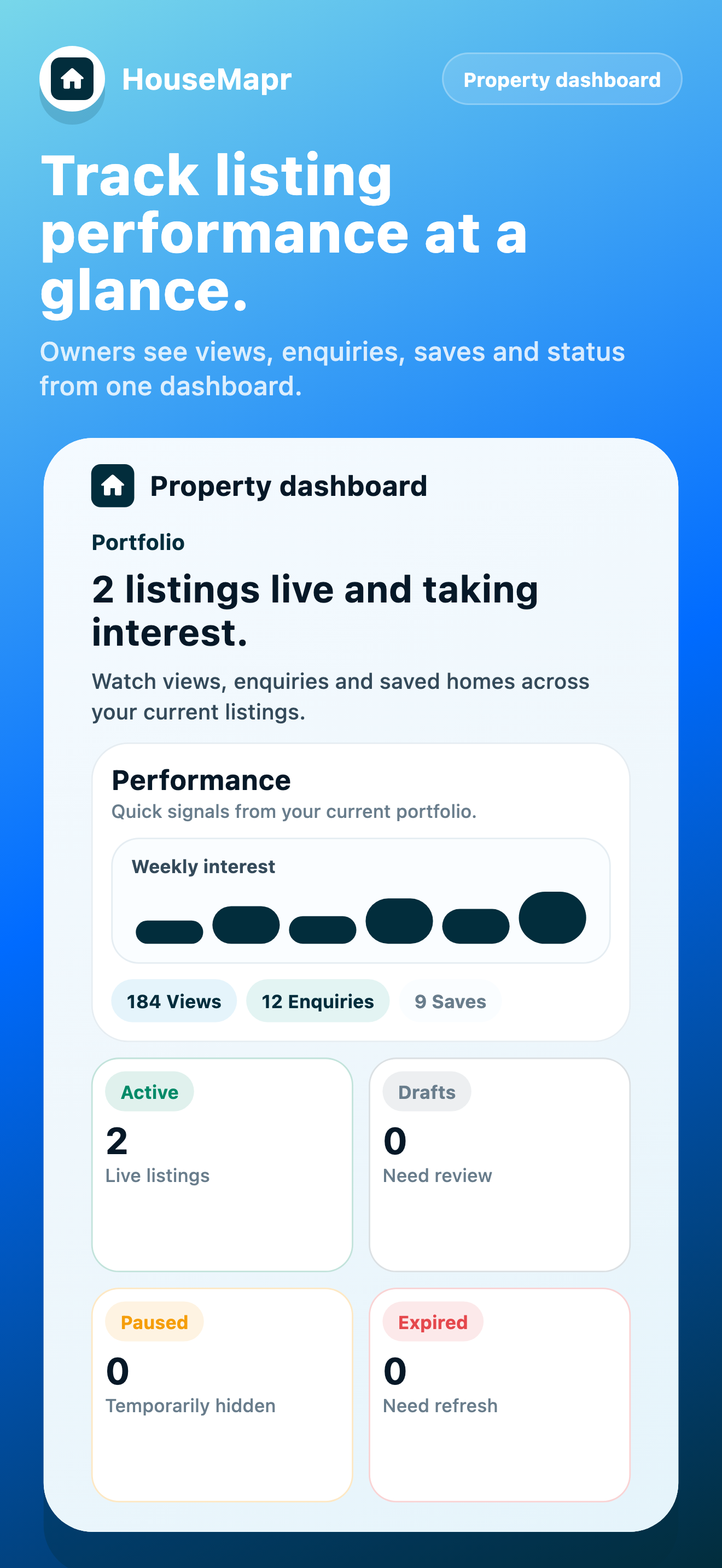
Owners can review listed properties and keep buyer interest organised after posting.
Clear details
Buyers need price and locality context. Owners need a simple way to present the property clearly. HouseMapr keeps both sides easy to read.
Home cards focus on the sale details buyers ask for first: asking price, property type, bedrooms, bathrooms, furnishing, condition, token context, and location.
Owners can start with what they are selling, then add asking price, sale details, map pin, photos, video link, and contact number.
Why map first
A property decision is partly about the home and partly about everything around it. HouseMapr keeps both in view.
See what is around, from schools and metro access to hospitals, before you even open a listing.
Do not just check one colony. See price ranges across nearby localities at a glance.
Found something you like? Call or message the owner from the app without a broker in between.
For both sides
Keep the important details visible from search to shortlist to owner contact, so every next step feels clear.
Pick a locality, see what is available, compare prices across nearby areas, shortlist homes, and navigate from the map.
Add your property with map location, price, photos, video link, and contact options. Buyers discover it when they explore your area.
How it works
Search around the places that matter to you and keep nearby areas visible while comparing options.
Check price, property type, photos, sale details, and map context before saving or contacting the owner.
Use direct contact paths from the app once the home and locality both look right.
FAQ
Short, practical answers for buyers and owners using HouseMapr.
Yes, completely free for buyers. Owners can list properties at no cost during our early access period.
We are starting with Hyderabad and expanding to more Indian cities soon. Stay tuned.
Absolutely. Add your location, price, photos, video link, and contact details. Buyers see it on the map right away.
Because location matters most. Starting from the map helps you understand the area, compare nearby prices, and decide with clarity.
No. HouseMapr connects buyers directly with property owners. No middlemen, no brokerage.
No. HouseMapr is a discovery and listing platform. It does not act as a brokerage, lender, valuation authority, or legal advisor.
Use the in-app settings to delete your profile and associated data. If you cannot access the app, contact support from the Delete Account page.
Next step
Stop scrolling through detached listing feeds. Start with the area, then open the homes that truly fit.